
Your best photos, on Google where customers look.
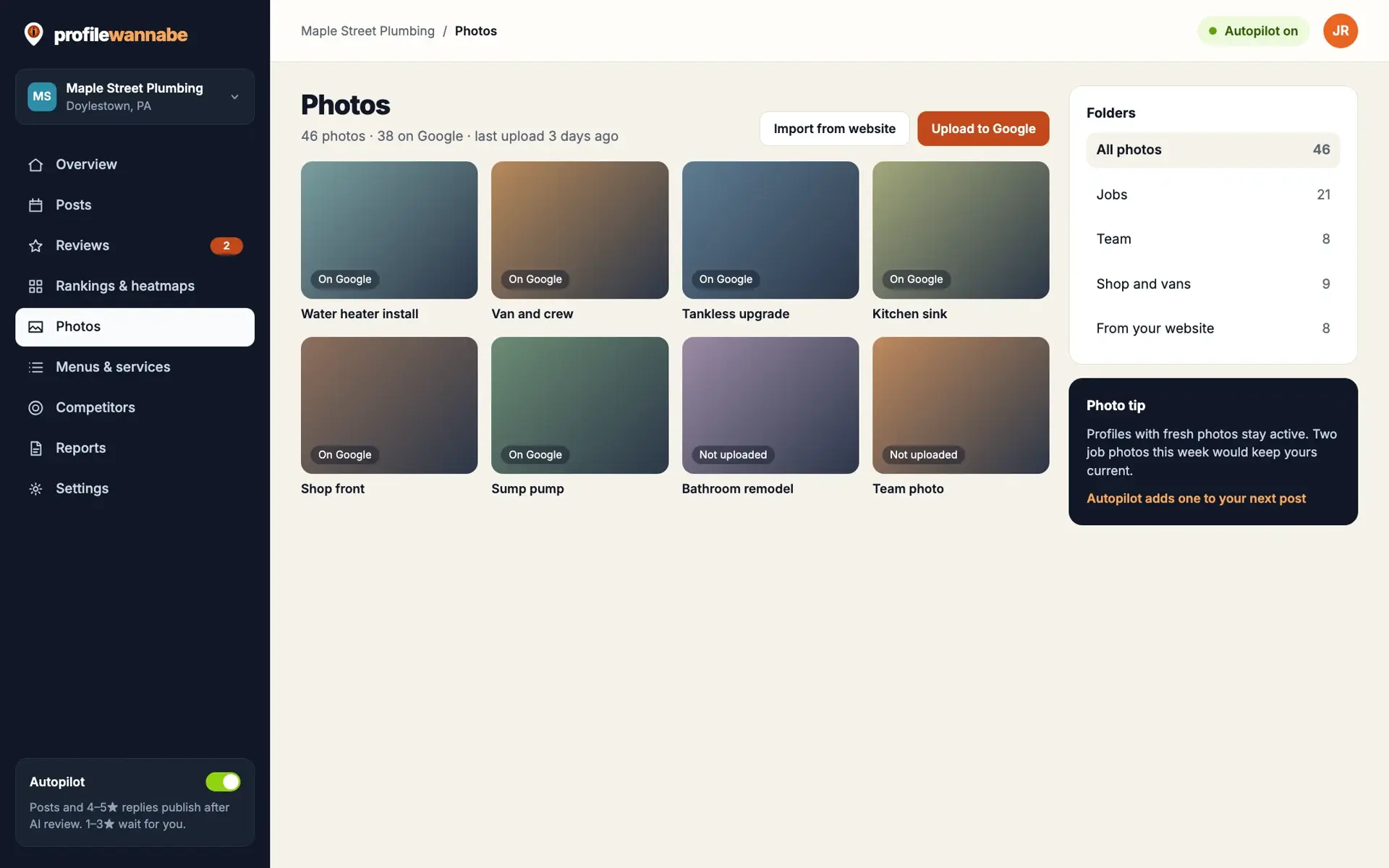
Keep your photos in folders, pull the ones already on your website, let AI describe them, and upload them to your Google profile with the right category.
7-day free trial. Card required; nothing is charged until the trial ends.
What it does
Folders
Sort photos into folders, and move or delete them in bulk.
Import from your website
Pull images from your home page into a Website Images folder. Running it again skips what is already there.
AI descriptions
Each photo gets alt text, a description, keywords and a clear filename.
Upload to Google
Send photos to your profile with the right photo category.
Built because a thin gallery makes you look smaller.
Customers compare listings by their photos. A profile with three old pictures looks smaller and less busy than the one next door, even when it is not.
Most owners already have good photos, on their phone or their website. The work is getting them organised, described and onto Google, so we built that into the same place as everything else.
How it helps you
Look as busy as you are
A full, current gallery shows customers real work.
Save the busywork
No more downloading, renaming and uploading one at a time.
Better descriptions
Clear alt text and filenames, written for you.
Questions about photos.
Do you add location data to photos?
No, we do not geotag photos. We focus on good photos, the right category and accurate descriptions.
Can I upload from my phone?
Yes, upload from any device into a folder, then send to Google when you are ready.