
Categories tell Google what kind of business you are, and they decide a lot of what happens next: which searches you can show up for, which features your listing gets, and even which attributes you are allowed to fill in. Getting them right is one of the best uses of five minutes on your profile.
Categories describe what you are, not what you sell
Google's rule is simple: a category says what the business is. It is not a list of things you have or sell. A hardware store that sells paint is a hardware store, not a paint store. A plumber who fixes water heaters is a plumber.
Your services, products and menu each have their own place on the profile. That is where the detail goes.
Pick one primary category with care
Your primary category matters most. Choose the one that best describes your core business as a customer would say it. If you are torn between two, ask which one you would want to be found for if you could only have one.
A few things to know:
- The primary category shapes which optional sections your profile shows, such as extra hours sets like delivery or drive-through hours.
- Attributes (the yes or no facts about your place) depend on your primary category, so changing it can change what you are able to say about your business.
- If you run several locations under one brand, keep the same primary category across them unless the signage genuinely differs.
Add additional categories, but only the ones that fit
Additional categories are for other things your business genuinely is. A bakery that also runs a café counter can list both. Use as few as fit. Adding a category for something you only do occasionally, or adding one purely because it is a popular search, works against you.
Never use a category as a keyword
It is tempting to pick every category that sounds close to a search you want. Google's guidelines say plainly that categories are not keywords, and a pile of loosely related categories makes it harder for Google to understand what you actually are.
Check them after any change in your business
Added a new service line? Stopped offering one? Revisit your categories. It is also worth a look every few months, because Google adds and renames categories over time.
How Profile Wannabe helps
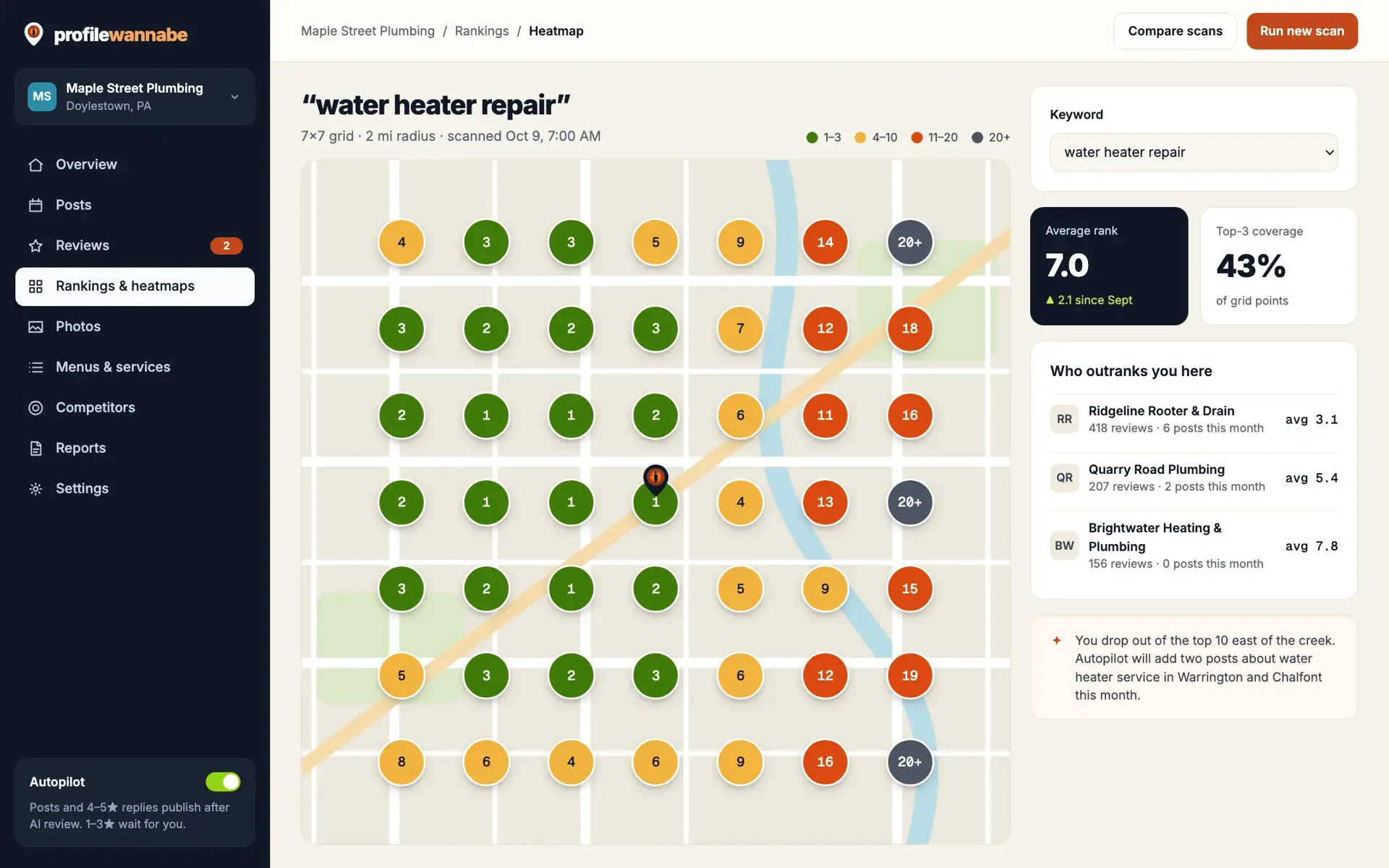
Your Profile Wannabe audit checks your categories and suggests changes for you to approve, and the rank heatmap shows where you appear on the map for the searches that matter, so you can see what a change does over the following weeks.
Curious how your categories stack up? Get a free profile audit, or join the free 7-day course, where categories are lesson one.