
The name on your Google Business Profile is the first thing a customer reads in the map results, so it is tempting to make it work harder. "Smith Plumbing | Emergency Plumber Doylestown" reads like it would rank better than "Smith Plumbing." Google's guidelines say no, and a stuffed name is one of the most common reasons a listing gets edited or suspended.
The rule: your real-world name
Your profile name should match the name customers see on your signage, your website and your paperwork. That is the whole rule. Everything else that people try to add is spelled out as not allowed.
What you cannot add to the name
- Keywords or services. "Smith Plumbing Water Heater Repair" is not your name.
- Locations. No town, neighborhood or "near me" unless it is genuinely part of your branded name.
- Taglines. "Smith Plumbing, We Show Up On Time" belongs in your description, not your name.
- Phone numbers, website addresses or hours. Those have their own fields.
- Store codes or internal labels.
- Trademark symbols and ALL CAPS words that are not how your brand is written.
- "Inside" notes such as "inside the Main Street Mall." The address field covers that.
Special characters and legal terms such as "LLC" are only fine when they are part of the name customers actually see on your signage.
Where the extra words should go instead
The things people try to squeeze into the name all have a proper home:
- What you do goes in your categories and your services list.
- Where you work goes in your address or, if you travel to customers, your service area.
- Why you are different goes in your description, which can run up to 750 characters.
What if a competitor stuffs their name?
You will see listings that break the rule and still rank. That does not make it safe for you. A suspended listing disappears from the map until it is fixed and reviewed, which costs far more than whatever the extra words were worth. Keep your own name clean and put the effort into the fields that are meant for it.
How Profile Wannabe helps
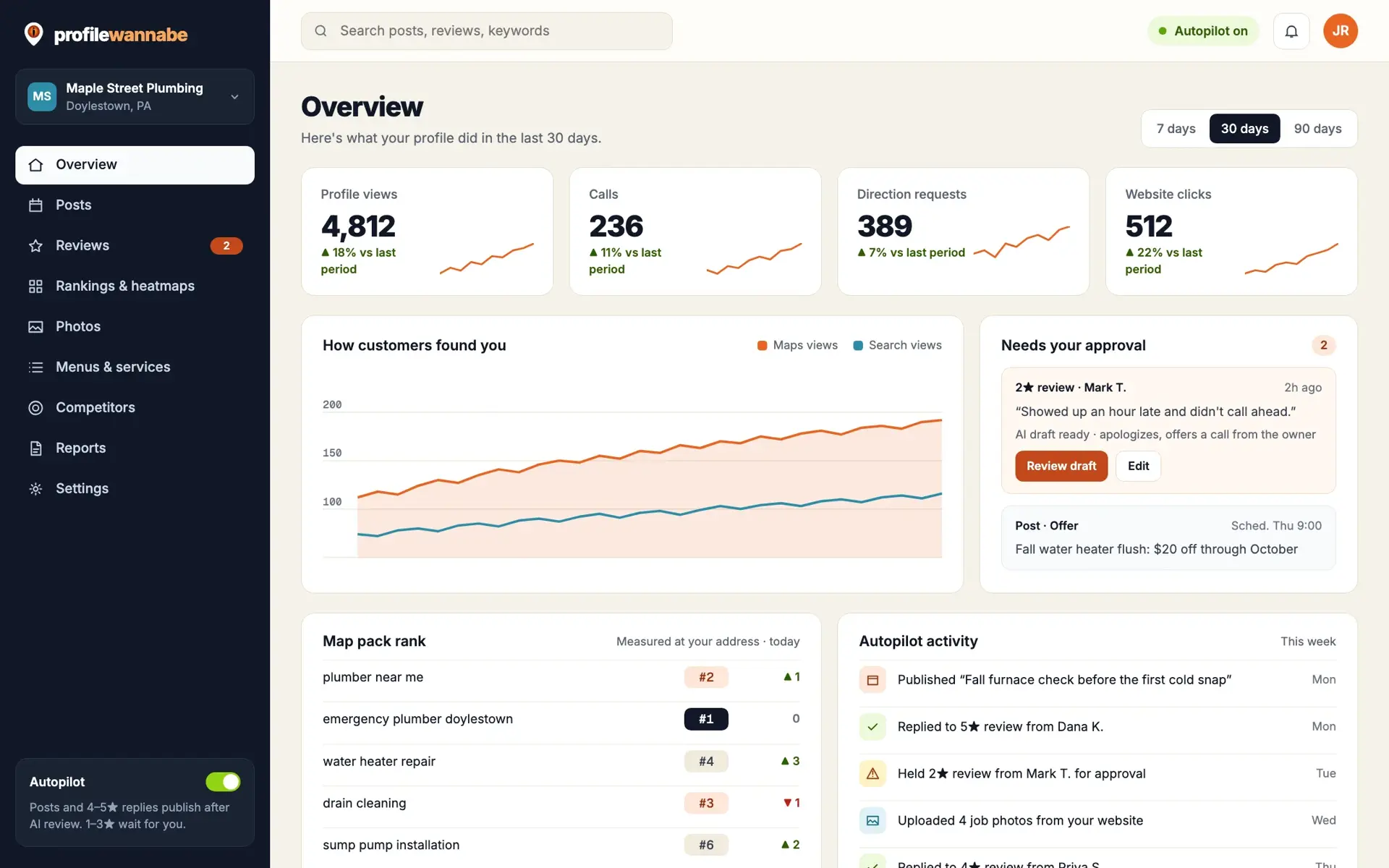
When you connect your profile, Profile Wannabe checks your name against these rules as part of your audit, and it never suggests adding keywords to it. The fixes it drafts go into the right fields instead: services, description and categories.
Want to know how your name and the rest of your listing measure up? Get a free profile audit.