
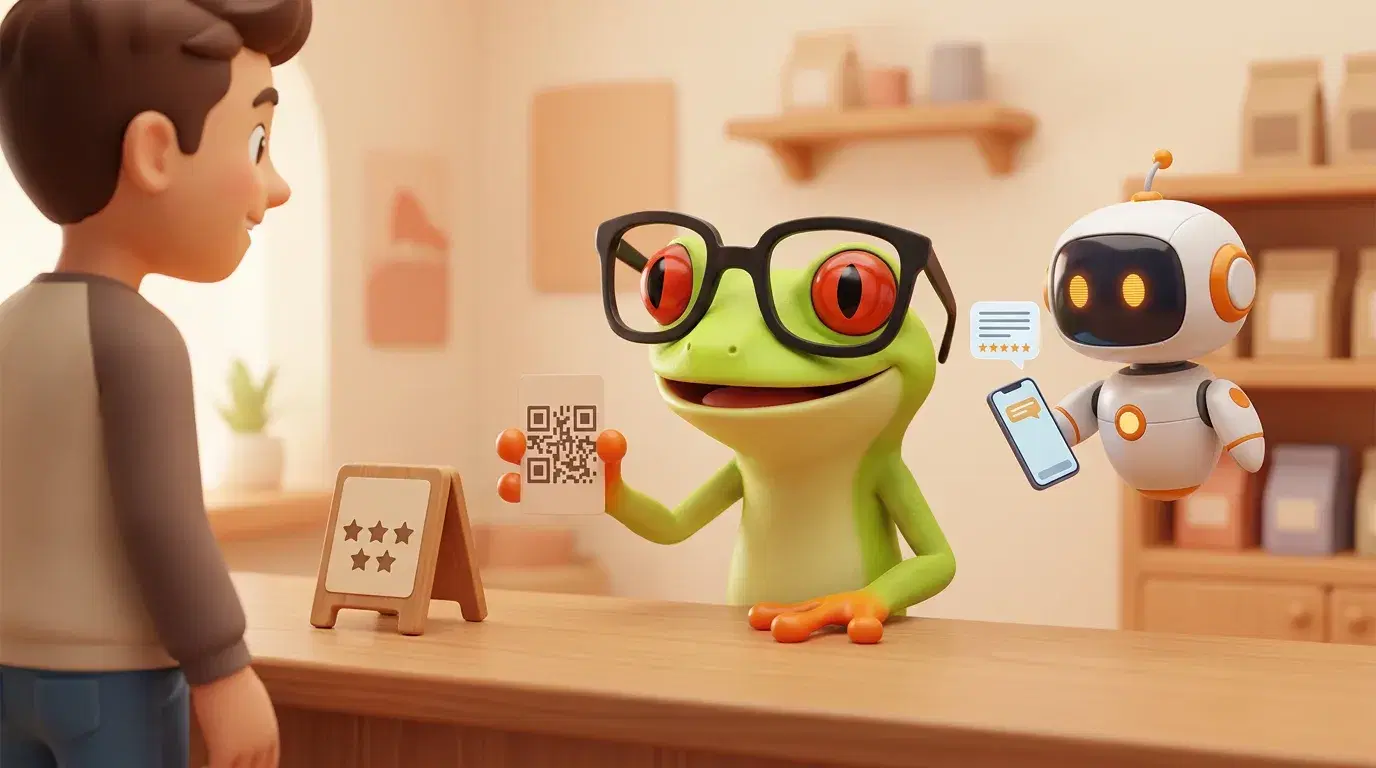
Happy customers rarely think to leave a review on their own. Unhappy ones often do. That gap is why so many good businesses have fewer reviews than they deserve, and the fix is simple: ask every customer, every time, and make it one tap.
First, get your review link
Your Google review link opens your listing with the review box already open, so the customer does not have to search for you. Our free review link and QR code generator gives you the link and a printable QR code in about a minute.
When to ask
- Right after a good moment. The job is finished and they are pleased, the meal went well, the problem is solved.
- The same day. A request that arrives a week later competes with everything else in their inbox.
- Every customer. Not only the ones you expect to be happy. More on that below.
What to say in person
Thanks so much, I'm glad it worked out. If you have a minute, a Google review really helps a small business like ours. I can text you the link, or you can scan this code.
Then hand them a card or point to the sign with your QR code. Keep it light and move on. One ask is enough.
A text message you can send
Only text customers who gave you their number and would expect to hear from you.
Hi [Name], thanks for choosing [Business] today. If you have a minute, we'd love to hear how we did: [review link]. [Your first name]
An email you can send
Subject: How did we do, [Name]?
Hi [Name],
Thanks for having us out for [the job] on [day]. We're a small team and every review helps other people in [town] find us.
If you have a minute, you can leave one here: [review link]
Thank you,
[Your first name], [Business]
Where to put your link and QR code
- On receipts, invoices and thank-you cards.
- On a small sign at the counter, the table or the door.
- In your email signature and on your website's contact page.
- On the back of your van or a yard sign, next to your phone number.
Follow up once, then stop
If they did not get to it, one gentle reminder a few days later is fine: "Just a quick reminder in case it got buried. Thanks either way." After that, let it go.
The rules that keep it fair
Google's policies, and in the US the FTC rule on fake reviews and testimonials, draw a few clear lines:
- Ask everyone. Asking only the customers you expect to be happy, or asking "How did we do?" first and only sending the happy ones to Google, is called review gating, and Google does not allow it.
- No rewards. No discount, gift, entry into a draw or anything else in return for a review, positive or not.
- Neutral words. "Tell us how we did" is fine. "Leave us 5 stars" is not.
- No pressure. Do not stand over a customer while they write, and do not set staff quotas for reviews.
- Real customers only. No reviews from staff, family or friends posing as customers, and never buy reviews.
For the full list, see our free Google Business Profile rules file.
Then reply to every review
A thank-you to every new review shows the next customer that someone is paying attention, and a calm reply to the occasional bad one matters even more. Our guide to responding to negative reviews has templates you can copy.
How Profile Wannabe helps
Once the reviews come in, Profile Wannabe drafts a reply to every one in your voice, and you approve it before it posts. Low-star replies always wait for you, with a calm draft ready to edit.
Curious how many reviews you need? Try the Google reviews calculator. Ready to stop writing replies yourself? Start a 7-day free trial.